> For the complete documentation index, see [llms.txt](https://docs.ventureflow.xyz/llms.txt). Markdown versions of documentation pages are available by appending `.md` to page URLs; this page is available as [Markdown](https://docs.ventureflow.xyz/ventureflow-user-guide.md).
# VentureFlow User Guide
VentureFlow - the ultimate Web3 VC SaaS platform
## What is VentureFlow?
VentureFlow is a comprehensive SaaS platform designed for Web3 venture capital firms, with a focus on streamlining various aspects of the investment process. Its features include lead, investment, and deal flow management, which enable different roles within the firm to collaborate effectively. The tool also offers vesting schedule reminders, portfolio analysis, and other functionalities to empower the team and improve the overall efficiency of the firm.
## Features Overview
* [Leads Management](/leads-management.md)
* [Deals Management](/deals-management.md)
* [Fund Management](/fund-management.md)
* [Vesting and Meeting Reminder](/vesting-and-meeting-reminder.md)
* [Dashboard and Analytics](/dashboard-and-analytics.md)
* [User Management](/user-management.md)
* [Wallet Management](/wallet-management.md)
{% hint style="info" %}
[**Request a Demo**](https://www.ventureflow.xyz/RequestADemo)
{% endhint %}
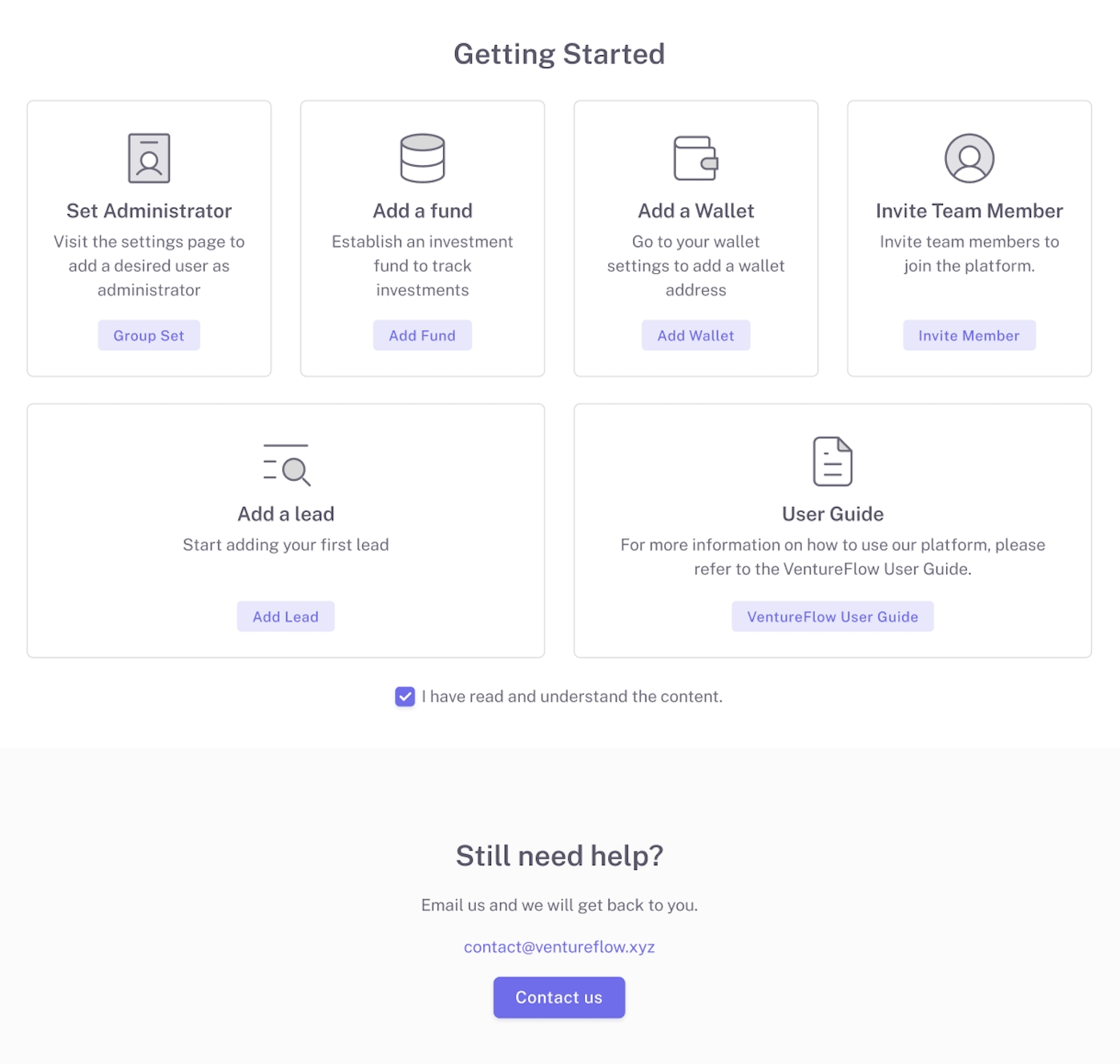
## Getting Started
Launch the web app at
We recommend using Google Chrome
1. Sign up with username, password and verification code.
2. Create an Organization.
3. Invite other users to your organization and assign roles to them. Easily search username to invite.
4. Create a team and set up a team leader (if applicable).
View [User Management](/user-management.md) to learn how to set up teams and assign roles.
5. If you are the organization admin, please create a [fund](/fund-management.md) for investment and a [wallet](/wallet-management.md) for receiving investment tokens. (If you are NOT admin role, skip this step).
{% hint style="info" %}
[**Email us if any feedback**](#user-content-fn-1)[^1]**: **
{% endhint %}
[^1]: